
Amazon CloudFront teams need two answers from AI crawler tracking: what reached the edge, and whether that access led to visibility in AI answers. The best choice depends on the layer you need. AWS native logging gives you the raw CloudFront record, xSeek documents a Lambda@Edge collection path plus answer-level visibility, and Profound documents AWS among its integrations and Agent Analytics, but its public pages do not say whether it reads CloudFront logs or collects through Lambda@Edge.
The short answer for CloudFront teams
Choose AWS native logging when you want an infrastructure-owned record and have engineers to query it. Choose xSeek when you want CloudFront bot visits tied to AI citations and a content workflow. Choose Profound when you need an enterprise AI marketing platform and can confirm the AWS data path with its sales team.
That distinction matters because crawler access and answer visibility are different signals. A CloudFront request tells you that a bot reached a URL. It doesn't tell you whether ChatGPT, Perplexity, Gemini, or another answer engine later cited that page.
CloudFront crawler tracking options compared
The comparison below focuses on the implementation questions an AWS team can verify: collection point, bot identity, retention, deployment, and answer-level attribution.
| Option | Collection point | Bot identity | Retention | Deployment | Answer-level attribution |
|---|---|---|---|---|---|
| AWS CloudFront logs and WAF | CloudFront standard or real-time logs; WAF evaluates requests | User-agent fields in logs; WAF Bot Control adds bot labels and names | You choose the destination and retention policy | AWS console, CloudWatch API, WAF rules, S3, Firehose, or CloudWatch Logs | No native AI-answer attribution documented |
| xSeek with Lambda@Edge | Viewer Request at the CloudFront edge, or CloudFront log records | Published AI-bot patterns, including GPTBot, ClaudeBot, PerplexityBot, and Amazonbot | Dashboard retention and plan limits should be confirmed for your account | Lambda in us-east-1, CloudFront trigger, xSeek API key and website ID | Yes, xSeek connects bot activity with AI visibility and citations |
| Profound | AWS integration is listed publicly; collection method is not specified publicly | Agent Analytics and answer insights are documented; CloudFront bot identity method is unknown | Enterprise history is documented; exact retention terms are not published on the pricing page | Sales-led enterprise setup; AWS integration listed | Answer Engine Insights and Agent Analytics are documented; CloudFront-to-answer join is unknown |
AWS is the raw-data option. xSeek is the clearest documented bridge from edge requests to AI visibility. Profound may fit an enterprise stack, but the public documentation does not support a claim that it ingests CloudFront logs or deploys a Lambda@Edge collector.
1. AWS native logging and WAF
AWS native services are the best starting point when your team wants ownership of the CloudFront data path. CloudFront standard logging records details about viewer requests, including request time, path, response, and user-agent-related fields, while standard logging v2 can deliver logs to CloudWatch Logs, Firehose, or S3.
What AWS can identify
CloudFront access logs give you the request fields needed to classify crawlers, especially the user agent, URI, host, IP-related data, response status, and edge result fields. You can filter for strings such as GPTBot, OAI-SearchBot, ClaudeBot, PerplexityBot, Google-Extended, and Amazonbot, then maintain your own bot registry.
AWS WAF Bot Control adds managed detection on CloudFront. AWS documentation says Bot Control can monitor, block, rate-limit, and challenge bots. It also labels detected requests with bot category and bot name, and those labels can appear in CloudWatch metrics and WAF logs.
Retention and deployment
AWS gives you control over where the records land. Standard logging v2 supports CloudWatch Logs, Firehose, and S3, and AWS says it doesn't charge for enabling standard logs. You still pay for delivery, ingestion, storage, access, and any selected AWS service, so your retention policy belongs in the architecture review.
The tradeoff is engineering work. You need to enable logging, set permissions, define delivery, parse user agents, keep bot names current, and build dashboards or alerts. CloudFront also warns that standard logs are best effort: a record can arrive late or, in rare cases, be missing.
Best for: platform and security teams that already operate CloudWatch, Firehose, S3, Athena, or a SIEM.
Limitation: AWS gives you request evidence, not a built-in answer-level view of which AI response cited a page.
2. xSeek with Lambda@Edge
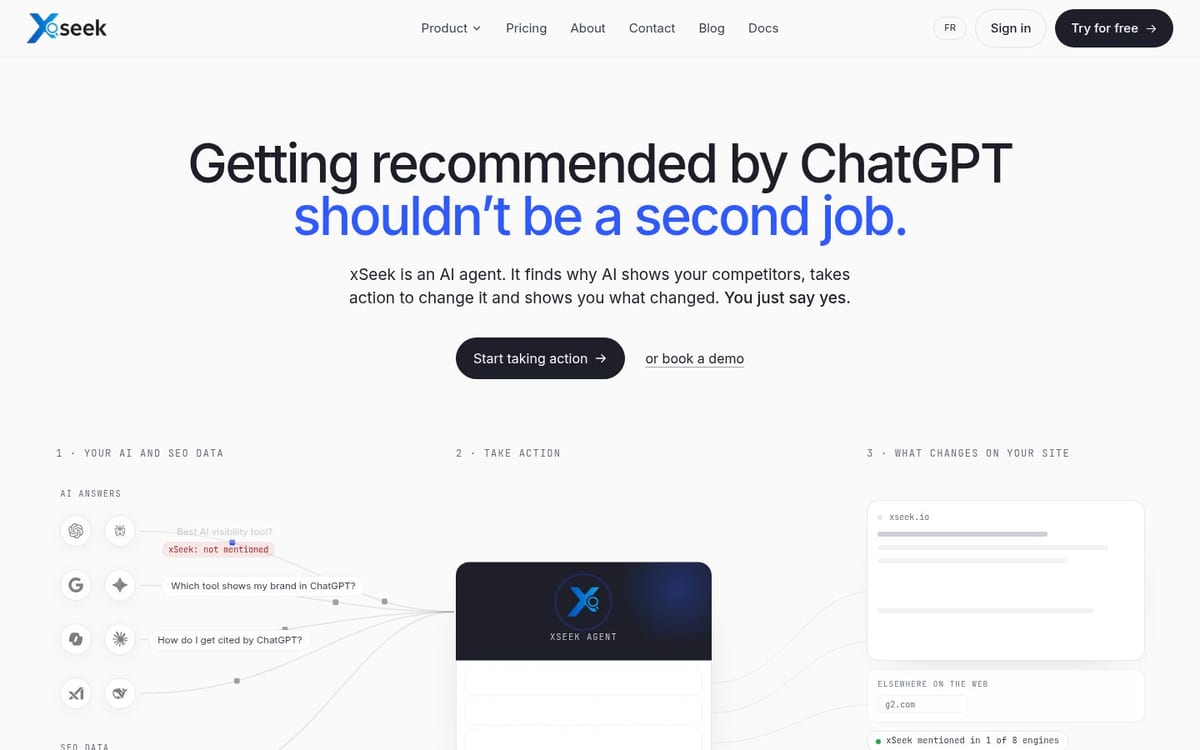
xSeek's CloudFront integration is the best fit when the same team needs bot visits and AI answer visibility in one workflow. Its published setup uses a Lambda@Edge function on the CloudFront Viewer Request event, detects AI crawlers by user agent, and posts visit data to xSeek while allowing the request to continue to the origin.
What xSeek can identify
The CloudFront setup guide includes patterns for a broad list of agents, including OpenAI, Anthropic, Perplexity, Google, Microsoft, Amazon, Meta, ByteDance, and other crawlers. The integration sends the detected bot name, user agent, URL, IP when available, and referrer when available.
The guide also documents support for CloudFront log record events. That gives an AWS team two collection choices: inspect requests at Viewer Request, or adapt the code for log records. The public guide is the evidence for the integration. It isn't evidence that every CloudFront configuration behaves identically, so test it against your distribution before rollout.
Retention and deployment
Deployment requires an AWS account with CloudFront access, a Lambda@Edge function in us-east-1, an xSeek API key with ai_visits:push, a website ID, a published function version, and a Viewer Request association. xSeek says the request continues unchanged and no HTML rewrite is required.
xSeek's public pricing page lists AI crawler tracking on every plan. The Essential plan is $49 USD per month, Starter is $149 USD per month, Growth is $499.99 USD per month, and Enterprise pricing is custom. Those plans differ in prompts, websites, actions, and AI engines, so confirm the retention and export terms for the plan you buy.
The key difference is the output. xSeek's platform also tracks AI visibility, sources, citations, and competitor share of voice. That lets a marketing team ask whether a crawled page appears in answers instead of stopping at request counts.
Best for: marketing and platform teams that want to connect CloudFront access with AI citations and an action plan.
Limitation: Lambda@Edge adds an AWS deployment and API dependency. If your organization permits only centrally managed logging, native CloudFront logs may be easier to approve.
3. Profound
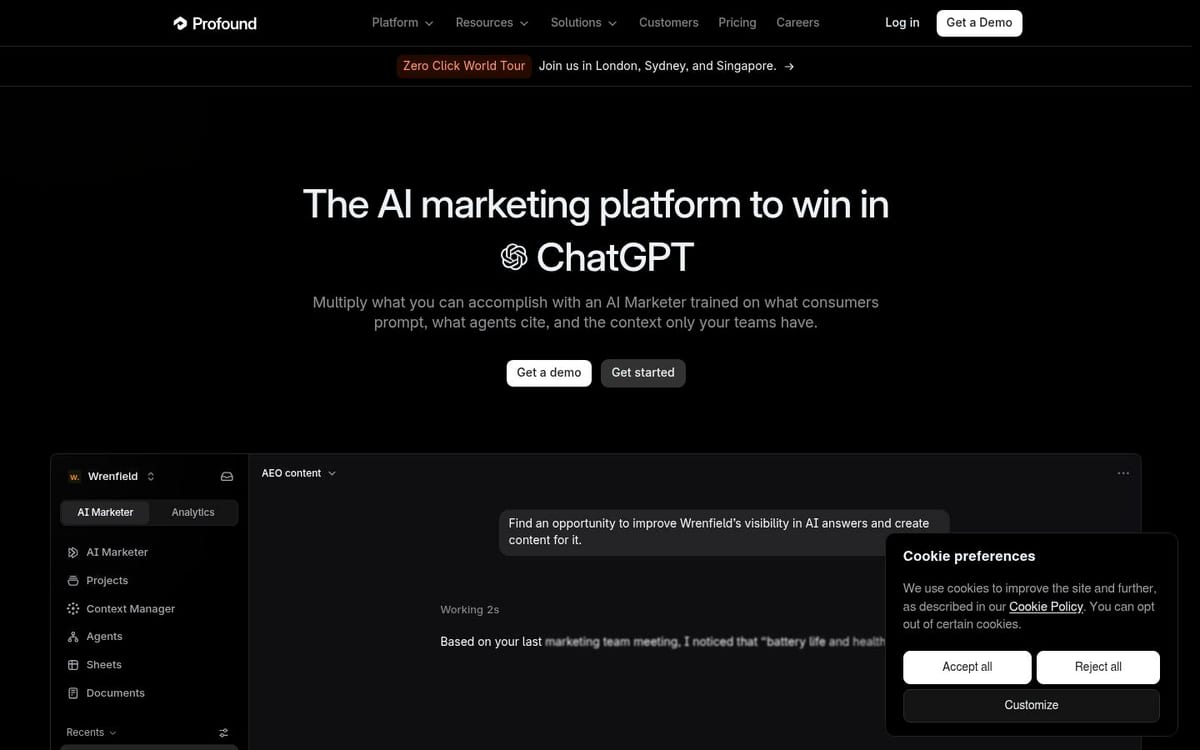
Profound is the strongest option here for a broader enterprise AI marketing program, not a proven CloudFront log parser. Its public pricing page lists an AWS integration, Agent Analytics for AI-sourced traffic and attribution, and Answer Engine Insights for brand and competitor visibility.
What is documented
Profound publicly documents Agent Analytics, which tracks AI-sourced traffic and attribution across domains. It also documents Answer Engine Insights, which analyzes how brands and competitors appear in AI platforms. The enterprise page lists AWS among its integrations, alongside services such as Cloudflare, Fastly, Google Analytics, and Google Cloud Platform.
The missing detail is important for this decision. Profound's public pages don't say whether the AWS integration reads CloudFront standard logs, consumes real-time logs, installs Lambda@Edge code, or uses another data path. They also don't expose a CloudFront-specific bot identity list or a retention schedule for edge events.
That makes the correct label unknown, not yes. Ask Profound for the exact CloudFront architecture, required AWS permissions, bot identity source, event granularity, historical retention, and the method used to join a crawler visit to an answer citation.
Retention and deployment
Profound's public pricing page lists a free Trial with 50 prompts run daily for seven days across ChatGPT, Gemini, and Google AI Overviews. Its Enterprise plan is custom and includes ongoing daily tracking, custom answer-engine coverage, exports, API access, and custom support options. Those are visibility-platform terms, not proof of CloudFront log retention.
Best for: enterprise marketing organizations that want AI research, answer insights, agents, and traffic attribution in one sales-led platform.
Limitation: the public documentation doesn't verify CloudFront log collection, Lambda@Edge deployment, bot identity coverage, or a CloudFront-specific retention policy.
What should you choose?
Pick AWS native logging and WAF if the question is, “Which requests reached my distribution, and how do I control them?” It is the most controllable foundation and the right choice for a team that wants to build its own data model.
Pick xSeek if the question is, “Which AI crawlers reached our pages, and did those pages earn visibility in AI answers?” Its documented Lambda@Edge path requires more setup than a dashboard-only product, but it answers the crawler-to-citation question directly.
Pick Profound if the question is, “How can our enterprise marketing team run AI visibility, agent workflows, and attribution in one platform?” Treat CloudFront collection as a sales-validation item until Profound gives you architecture and retention details in writing.
Many teams will use two layers: AWS for authoritative edge records, plus xSeek or Profound for answer-level analysis. Don't count crawler visits as citations. Measure both.
A practical CloudFront evaluation checklist
Use the same test before signing a contract or shipping code:
- Send a known test request with a documented AI user agent to a staging distribution.
- Confirm where the event appears: CloudFront log, WAF log, Lambda output, vendor dashboard, or all four.
- Record the exact bot name, user agent, URL, timestamp, status, and distribution identifier.
- Check whether the vendor preserves raw events or only aggregates counts.
- Ask how long events remain available and whether you can export them.
- Run a tracked AI prompt that could cite the test page, then check whether the product exposes the source URL and answer context.
- Test a false positive and an unrecognized bot so you know how identity confidence is represented.
- Review AWS permissions, data residency, API failure behavior, and the effect on cache and origin traffic.
FAQ
What is the best way to monitor AI crawlers on CloudFront?
Use CloudFront standard or real-time logs for the raw request record, then classify user agents with AWS WAF, a Lambda function, or a specialized service. If you also need to know whether crawled pages appear in AI answers, add a platform such as xSeek that documents both crawler tracking and AI visibility measurement.
Does CloudFront have built-in AI crawler analytics?
CloudFront provides access logging, and AWS WAF Bot Control provides bot detection, labels, metrics, and controls. AWS documents those building blocks, but it doesn't document a native dashboard that joins a CloudFront crawler request to a specific ChatGPT, Perplexity, or Gemini answer citation.
Can Lambda@Edge track AI bots?
Yes. A Lambda@Edge function on Viewer Request can inspect the user-agent header before the request reaches the origin and send matching events to an analytics endpoint. xSeek publishes a CloudFront implementation that uses this approach and requires the function in us-east-1.
Does Profound integrate with Amazon CloudFront?
Profound's public pricing page lists AWS as an integration, and its product pages document Agent Analytics and Answer Engine Insights. The public material reviewed here doesn't specify CloudFront log ingestion or Lambda@Edge collection, so teams should confirm the exact implementation with Profound.
What is the difference between CloudFront logs and AI crawler tracking tools?
CloudFront logs are request records produced by the delivery layer. AI crawler tracking tools classify those requests, summarize bot behavior, and may connect visits to AI citations, referrals, or actions. The difference is raw infrastructure evidence versus an interpreted workflow.
How long does CloudFront keep access logs?
CloudFront delivers logs to a destination such as S3, CloudWatch Logs, or Firehose, and your destination configuration controls practical retention. AWS says CloudFront doesn't automatically delete delivered log files, so define lifecycle rules and retention in the destination you operate.
Related articles
- Best Tools to Track AI Crawlers on Your Website
- Best Tools to Track AI Crawlers on Your Website (2026)
- Track AI Crawler Visits From ChatGPT, Gemini, Perplexity
- Measure AI Search Like You Measure Google — GA4, GSC & Beyond
Sources & References
- AWS CloudFront access logs - request logging behavior and best-effort delivery
- AWS CloudFront standard logging v2 - destinations, fields, and retention responsibilities
- AWS WAF Bot Control - bot labels, monitoring, and controls
- xSeek CloudFront integration - documented product workflow
- xSeek CloudFront setup guide - Lambda@Edge requirements and implementation
- Profound pricing - documented AWS integration, Agent Analytics, and plan details
- xSeek pricing - current public plan pricing and crawler tracking inclusion