
If you want to track AI crawlers on Cloudflare, choose Cloudflare AI Crawl Control for built-in edge visibility. Choose xSeek for edge visits plus AI answer and citation tracking, or Cloudflare Logpush when you want to build your own reporting stack.
The right choice depends on whether your next decision is block or allow, investigate raw requests, or improve the answers that cite your site.
Cloudflare's product is now called AI Crawl Control. The Cloudflare pages and older references may still call it AI Audit. xSeek uses a Cloudflare Worker to identify crawler requests at the edge, then sends the visit data to its platform. Logpush is the lower-level route: it exports Cloudflare request records so your team can process them elsewhere.
What should a Cloudflare AI crawler tool measure?
The first question is whether you need edge evidence or answer evidence. Edge evidence tells you which crawler requested which URL, when it arrived, what status it received, and how much data it transferred. Answer evidence tells you whether ChatGPT, Perplexity, Google AI Overviews, or another engine mentions your brand and cites your pages.
Those signals are related, but they are not interchangeable. A GPTBot request proves that a crawler reached a page. It does not prove that an AI answer later cited that page. A citation check can show the answer outcome, but it cannot replace your server or CDN records when you need to understand the request itself.
For a useful Cloudflare comparison, check five things:
- Bot identification: Does the tool name the crawler and its operator, and does it explain whether detection uses a user agent or a stronger signal?
- Request detail: Can you inspect URLs, status codes, response bytes, paths, and time ranges?
- Sampling: Does the tool record each matching visit, or can a setting reduce the sample?
- Deployment: Does it work inside Cloudflare, and who has to maintain the integration?
- Retention and outcome: Can you keep the data you need, and can you connect crawler activity with AI referrals, mentions, or citations?
Comparison: the best tools for Cloudflare sites
The order below follows the job each option can complete: built-in edge visibility first, then edge tracking connected to answer visibility, then a customizable log pipeline. Prices and capabilities were checked on October 29, 2026.
| Tool | Best for | Bot and request evidence | Sampling and deployment | AI answer evidence | Starting price |
|---|---|---|---|---|---|
| Cloudflare AI Crawl Control (formerly AI Audit) | Teams that want native crawler monitoring and access controls | Crawler, operator, requests, paths, status codes, data transfer, robots.txt violations | Automatic on Cloudflare; the free plan uses self-identifying user agents, while paid Bot Management adds detection IDs | Referrals are available on paid plans; answer citations are not documented as a feature | Available on all Cloudflare plans |
| xSeek Cloudflare integration | Marketing teams that need edge visits and AI visibility in one workflow | A Worker identifies matching bots and sends the visit, user agent, URL, and timestamp to xSeek | A Cloudflare Worker and route are required; xSeek documents every bot hit with no sampling | Tracks AI answers, cited sources, share of voice, and action plans in the platform | $49 USD/month for Essential, checked October 29, 2026 |
| Cloudflare Logpush with custom analysis | Engineering or security teams that want control over storage and queries | Exportable HTTP request logs with fields selected by the team | HTTPS, storage, or another destination; the job can be configured from 0.0 to 1.0 sample rate, with 1 as the default | Not included; your team must join logs to a separate answer or referral dataset | Not published in the documentation |
No other third-party vendor is included here as a verified Cloudflare edge option. A vendor may monitor AI answers without receiving Cloudflare request data. Treat its edge support as unverified until its current documentation names the Cloudflare integration, the deployment point, the fields collected, and the retention model.
1. Cloudflare AI Crawl Control: native edge visibility
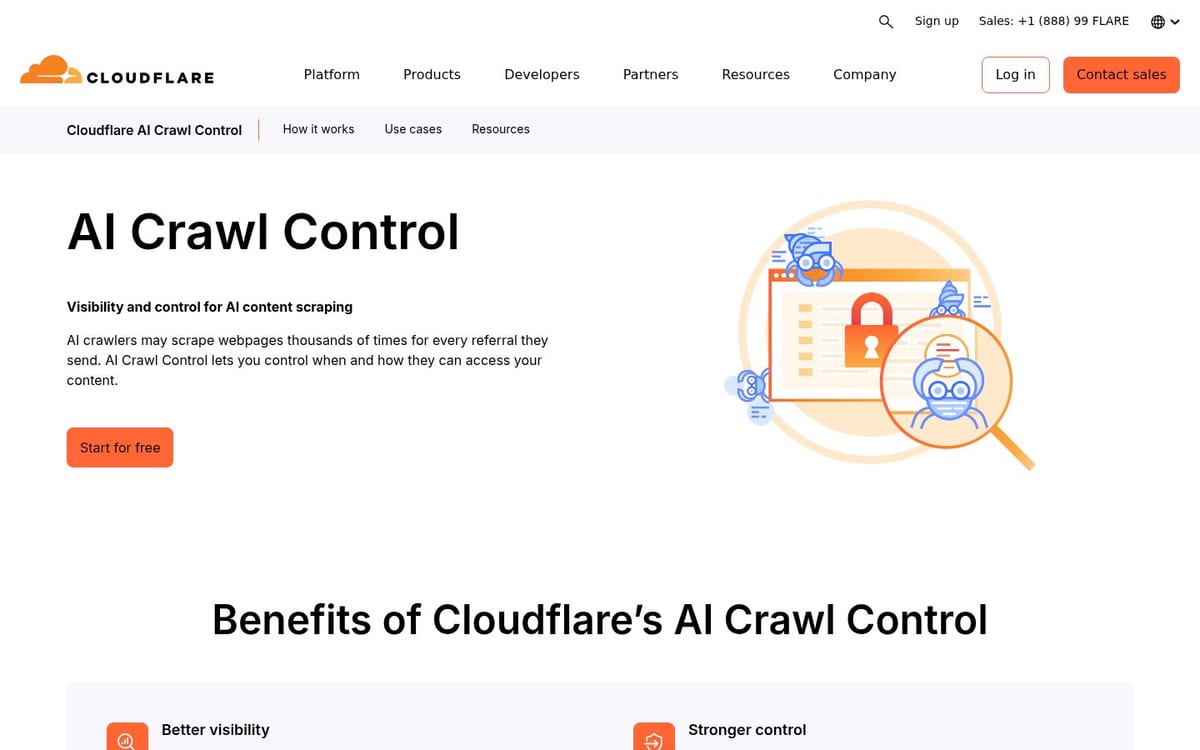
Cloudflare AI Crawl Control is the best starting point when your main question is, “Which AI services are accessing my content, and should I allow them?” Cloudflare's documentation lists an overview, crawler, and metrics view with request volume, status codes, popular paths, operators, hostnames, and data transfer.
The product gives you filters for crawler, operator, hostname, path, and date range. It can group activity by crawler, category, operator, or host. The crawler view also shows the operator, request totals, data transfer, and current allow or block action.
Detection has a meaningful limit. On the free plan, Cloudflare says AI Crawl Control identifies crawlers through user agent strings. Paid plans can use Cloudflare Bot Management detection IDs for more thorough detection. That distinction matters when a team wants to identify traffic that does not self-identify cleanly.
Cloudflare also connects observation to enforcement. You can allow or block a crawler, track robots.txt violations, and use WAF rules for more specific path-based behavior. The Directives view reports robots.txt availability, requested paths, status, content signals, and violations.
Best for: security, infrastructure, and content teams that want an immediate Cloudflare dashboard and crawler controls.
Limitation: it measures crawler and referral behavior, not the complete chain from a prompt to an AI answer citation. Cloudflare documents total referrals on paid plans, but it does not present AI answer citation monitoring as part of AI Crawl Control.
2. xSeek: connect edge visits to AI visibility
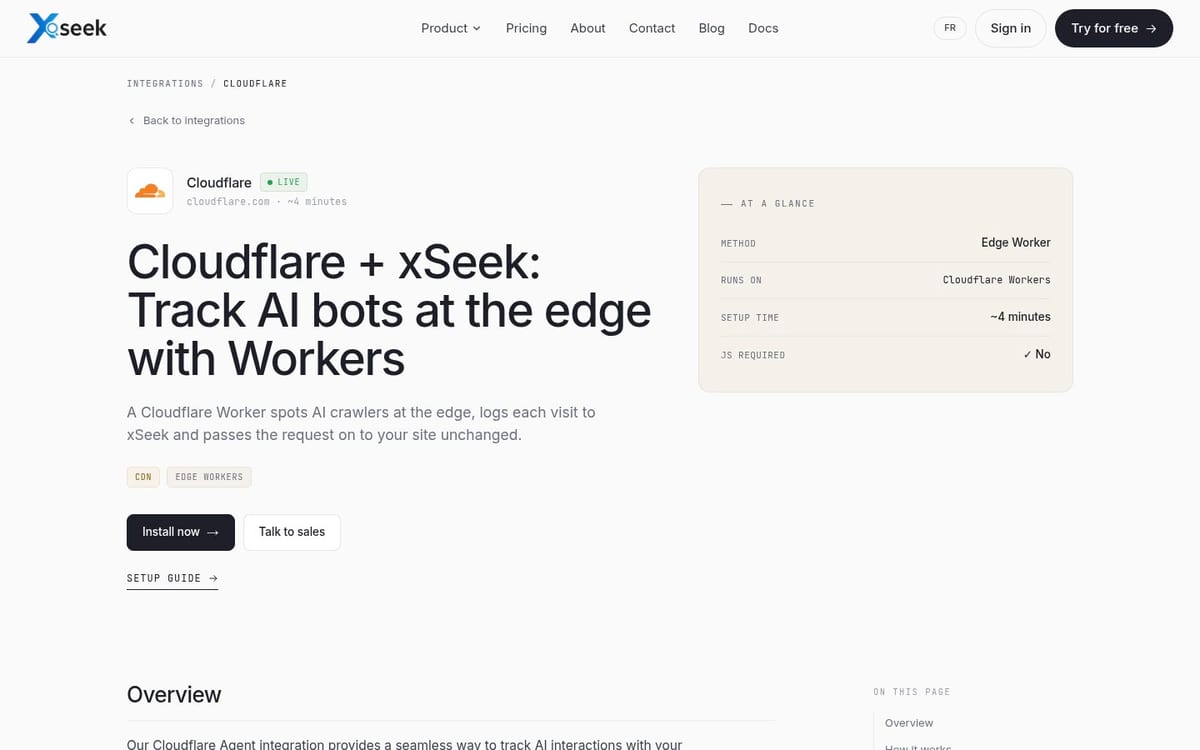
xSeek is the better fit when a marketing lead needs to answer two questions together: “Which AI bots visited?” and “Are AI engines citing us?” Its Cloudflare integration page describes a Worker that detects AI crawlers at the edge, logs each visit to xSeek, and passes the request to the site unchanged.
The setup guide requires a Cloudflare account, a Cloudflare-hosted or Cloudflare DNS site, an xSeek API key, and a website ID. You create a Worker, add the detection code and secrets, then route your domain traffic through a pattern such as yourdomain.com/*.
The guide's detection list includes bots such as GPTBot, ChatGPT-User, OAI-SearchBot, ClaudeBot, PerplexityBot, Google-Extended, Applebot, and other named patterns. The integration records the bot name, user agent, URL, IP when available, referrer when available, and website ID through a background request. The Worker returns the site response without waiting for the tracking request to finish.
xSeek's pricing page lists Essential at $49 USD per month with 15 daily prompts, three AI engines, one website, and AI bot tracking. Starter is $149 USD per month with 50 daily prompts, 10 monthly actions, an API, an MCP server, and AI bot tracking.
Growth is $499.99 USD per month with 150 daily prompts, five listed engines, optional engines, three websites, and 25 monthly actions. Those are platform prices, not a separate Cloudflare Worker fee.
Best for: marketing teams that need crawler visits, AI engine answers, cited sources, and a next action in one workflow.
Limitation: the edge layer depends on your Worker, secrets, and route configuration. The integration page says it works on Cloudflare-fronted sites, but teams still need a developer to deploy and maintain the Worker. xSeek's dashboard also does not replace Cloudflare's native block controls.
3. Cloudflare Logpush: build the evidence pipeline
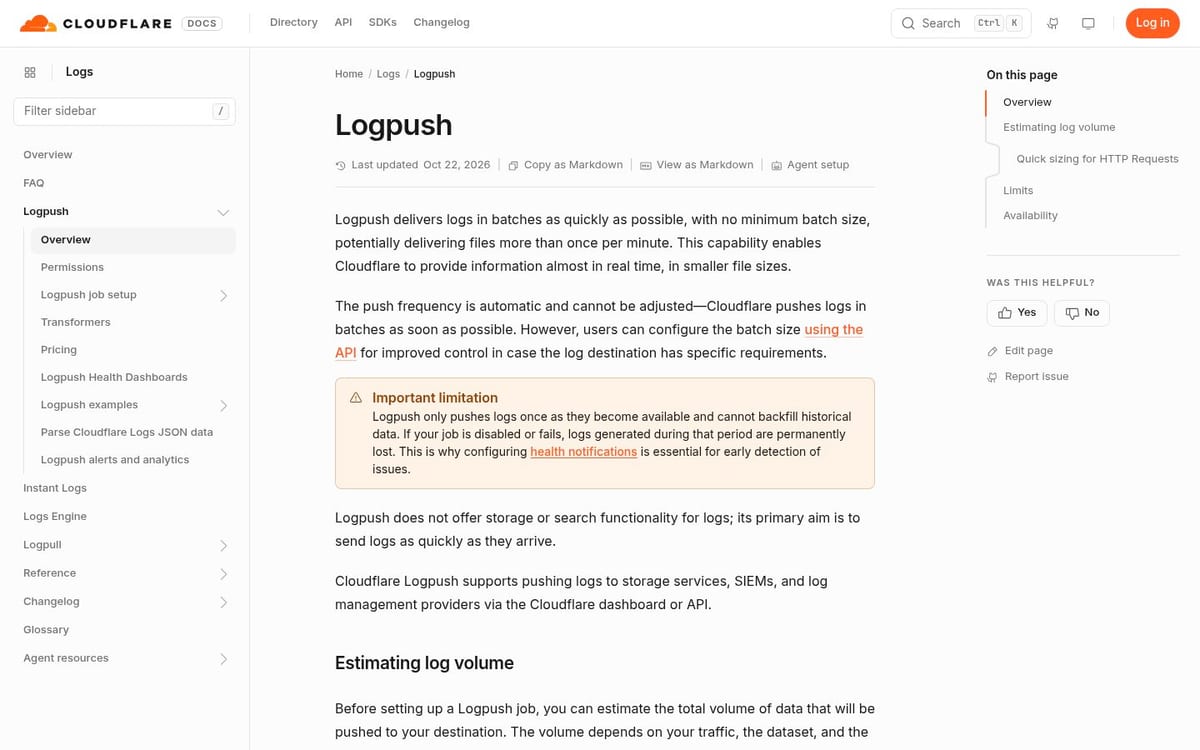
Cloudflare Logpush is the right option when your team already has a data warehouse, SIEM, or request analytics system. It is not an AI crawler product by itself. It exports selected Cloudflare datasets, including HTTP request data, to destinations such as HTTPS endpoints, R2, S3, Datadog, Splunk, and other supported systems.
The HTTP destination documentation says the destination must accept HTTPS POST requests. A job can filter events, choose fields, select timestamp formats, and set a sampling rate. Cloudflare's API configuration page says the sample rate ranges from greater than 0 to 1. The default is 1, which means unsampled delivery at the job level.
That control makes Logpush useful for a high-volume site, but it also creates an operational trap. A sample rate of 0.1 delivers about 10% of records.
If a dataset already has upstream sampling, the delivered view can represent an even smaller share of the original events. Record the sampling settings beside every report so a request count is not mistaken for a complete count.
Logpush gives you flexibility that the packaged tools may not. You can preserve raw fields, set your own retention, join crawler requests with application events, and build alerts around paths or response codes. You must also define the crawler taxonomy, maintain the query logic, secure the destination, and build the AI answer layer yourself.
Best for: engineering and security teams that need raw data, custom retention, or a warehouse-first reporting workflow.
Limitation: Logpush does not tell you which page an AI engine cited in an answer. It gives you request evidence. You need a separate answer-monitoring source to measure citations.
What Cloudflare crawler data can and cannot prove
Cloudflare data can prove that a named or detected crawler requested a URL, the request's response outcome, and the amount of data transferred when that field is available. It can also show whether the crawler followed a robots.txt directive and whether a request reached a path such as /docs/, /blog/, or /api/.
It cannot prove that a model trained on the page, that a user saw the page in an answer, or that the page earned a citation. Those are different events. Use request logs to investigate access and use answer monitoring to evaluate visibility.
The same distinction applies to referrals. A referral from chatgpt.com or perplexity.ai is a visit from an AI service. It is not a complete record of every answer that mentioned your brand, because many AI answers do not send a click.
A practical Cloudflare setup for marketing teams
Start with Cloudflare AI Crawl Control if you need a quick inventory of crawler activity and an allow or block decision. Export or review the paths, operators, status codes, and robots.txt violations before changing access rules.
Add xSeek when your marketing team also needs prompt tracking, answer citations, and an action plan. The existing Cloudflare integration guide is the implementation support for that step, not a substitute for checking which crawlers and answer engines matter to your site.
Choose Logpush when raw records must flow into an existing security or analytics stack. Keep the job's filter, field list, sample rate, timestamp format, destination, and retention beside the report. If you use more than one tool, keep the evidence types separate: edge requests, referrals, mentions, and citations should not share one headline number.
Frequently asked questions
Does Cloudflare AI Crawl Control replace AI visibility tracking?
No. AI Crawl Control shows crawler activity, request metrics, access actions, and some referral data. It does not document end-to-end monitoring of AI answers and page citations. Use a separate answer-monitoring workflow when citation coverage is the decision you need to make.
Can I track GPTBot and ClaudeBot on Cloudflare?
Yes. Cloudflare AI Crawl Control lists individual crawlers and operators, and xSeek's Cloudflare Worker documentation includes GPTBot and ClaudeBot patterns. Detection quality depends on the signal available, so user-agent identification should not be treated as perfect identity proof. Check the plan and detection method before comparing counts across tools.
Is xSeek's Cloudflare integration server-side?
Yes. xSeek's integration uses a Cloudflare Worker to inspect requests at the edge and send matching visit data to xSeek. It does not depend on a browser script running after a page renders. That makes it suitable for crawlers that never execute client-side JavaScript.
Does Cloudflare Logpush capture every request?
It can deliver unsampled records at the Logpush job level when the sample rate is 1, which is the documented default. Check the dataset's upstream sampling and your filters before calling the result complete. A complete report should preserve those settings with the exported data.
Should I block AI crawlers in Cloudflare?
Only when the crawler's access does not fit your content or commercial policy. First compare its requests, referrals, citations, and resource cost. Cloudflare lets you allow or block individual crawlers, so a blanket rule is not the only choice. Keep search and user-action crawlers separate from training crawlers when your policy treats them differently.
What is the best free way to track AI crawlers on Cloudflare?
Start with Cloudflare AI Crawl Control, which Cloudflare documents as available on all plans. If you need answer citations as well as edge requests, a free Cloudflare dashboard alone will not provide that complete measurement. Add an answer-monitoring tool only after you define which prompts and engines matter to your team.
Sources & References
- Cloudflare AI Crawl Control: product scope, availability, and crawler controls.
- Cloudflare Analyze AI traffic: request, operator, path, status, referral, and filter fields.
- Cloudflare Manage AI crawlers: detection limits and allow or block actions.
- Cloudflare Logpush API configuration: sampling and delivery configuration.
- xSeek Cloudflare integration: Worker workflow and edge tracking scope.
- xSeek pricing, checked October 29, 2026: plan prices and included AI bot tracking.