
Next.js teams should choose an AI visibility tool based on two separate jobs: measuring what AI systems say about the site, and seeing whether AI crawlers can reach the pages in the first place. For most teams, xSeek is the most direct fit because its Next.js integration runs at the server boundary; Ahrefs Brand Radar and Semrush are stronger for teams already invested in those SEO suites, while Otterly.AI is the lower-cost monitoring option.
Next.js makes the technical side unusually important. A dashboard can show that a brand is missing from ChatGPT answers, but it cannot tell you whether the missing page was never served to a crawler, was blocked by a route rule, or simply lost a content comparison. The right shortlist must cover both visibility data and the code path that delivers the page.
Quick comparison for Next.js teams
The best option depends on where your bottleneck sits: server-side crawler access, AI prompt coverage, SEO workflow, or budget.
| Tool | Best fit for a Next.js team | Server-side or bot data | AI answer tracking | Pricing position |
|---|---|---|---|---|
| xSeek | Teams that need crawler visibility and action plans | Next.js middleware integration records bot, URL, user-agent, and timestamp | Prompt, citation, competitor, and opportunity tracking | From $49/month; action plan from $149/month |
| Ahrefs Brand Radar | Existing Ahrefs customers | Ahrefs offers separate Bot Analytics; Brand Radar focuses on AI visibility | Custom prompts plus an AI Visibility Index | Custom prompts from $50/month; index from $199/month |
| Semrush AI Visibility | SEO teams already using Semrush | Primarily an external visibility and SEO workflow | Visibility, prompts, citations, sentiment, and competitors | Pricing varies by plan and domain |
| Otterly.AI | Small teams starting with monitoring | Agent Analytics is available on paid tiers, not a Next.js integration | Brand visibility, citations, sentiment, and GEO audits | Lite is $29/month for 15 prompts |
| Profound | Enterprise teams with analysts and engineers | Agent Analytics and technical integrations | Answer Engine Insights, prompt volumes, citations, and agents | Custom pricing on the public site |
The key distinction is not the number of engines in a feature grid. It is whether the tool helps you connect an AI answer to a page, a request, and a fix your development or content team can ship.
1. xSeek: best for Next.js crawler visibility and action
xSeek is the strongest choice when a Next.js team needs to connect AI crawler activity with AI search performance. Its documented integration uses Next.js middleware to detect AI crawlers across the site without edits to individual pages.
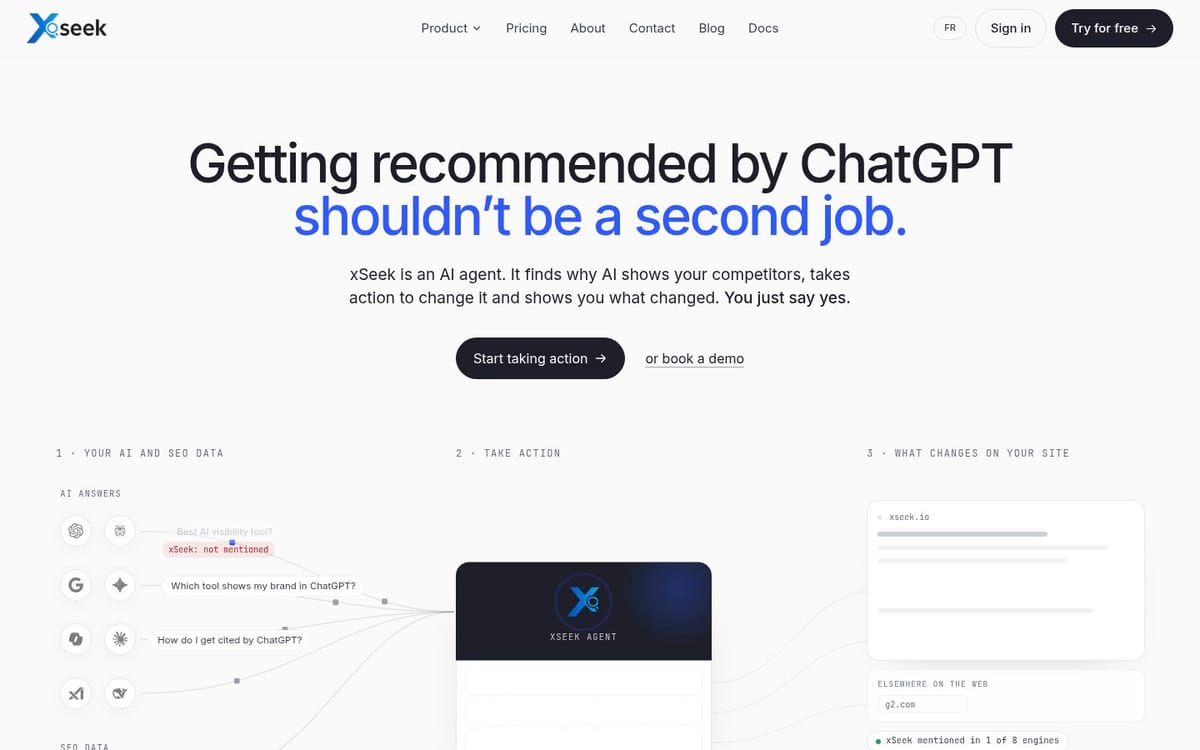
The integration records the exact user-agent, URL, and timestamp for a bot request before the page renders. That matters because client-side analytics do not run when a crawler fetches HTML without executing browser JavaScript. xSeek also supports both the App Router and Pages Router, so the setup is not limited to one Next.js architecture.
Best for: teams that need an answer to both “Are we being cited?” and “Did an AI crawler actually reach this page?”
Limitation: xSeek is not a general-purpose SEO suite. If your main need is backlink research, traditional rank tracking, or a large keyword database, you will still need another tool.
For a Next.js implementation, the practical workflow is short:
- Add the xSeek detection helper to the project.
- Call it from the request boundary that covers the site.
- Deploy once, then review bot visits and AI visibility data together.
Next.js documentation now describes this boundary as proxy in the current file convention, while many projects still use middleware. Check the version-specific convention in the Next.js proxy documentation before copying a snippet. Keep the matcher narrow enough to avoid unnecessary work on static assets, image optimization, or internal framework paths.
If your site also publishes articles, pair the integration with an editorial workflow. xSeek can show the query gaps where competitors are cited, then help turn those gaps into a prioritized content queue. That is a different job from simply counting mentions.
2. Ahrefs Brand Radar: best for an existing Ahrefs stack
Ahrefs Brand Radar fits Next.js teams that already use Ahrefs for search demand, backlinks, and site analysis. It offers custom prompt tracking and an AI Visibility Index, then connects those results to cited pages and search demand.
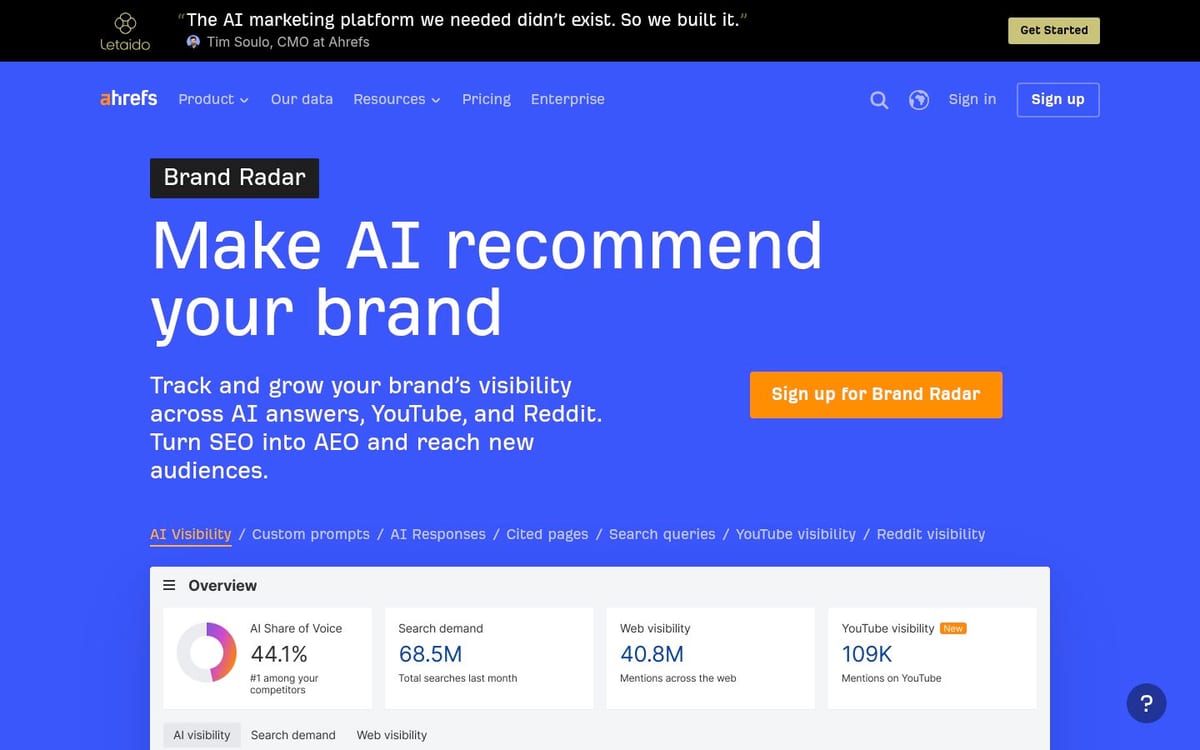
The tool is useful when the SEO team wants to compare AI visibility with traditional search signals in one environment. Ahrefs says its AI Visibility Index covers more than 492 million monthly prompts across AI Overviews, AI Mode, Gemini, Copilot, Perplexity, and ChatGPT. Its custom prompt feature supports daily tracking, with Claude available as an additional platform.
Pricing: custom prompts start at $50 per month, and the AI Visibility Index starts at $199 per month, according to the official Brand Radar page.
Best for: established Ahrefs users who want AI visibility and search-demand context without adding a separate SEO platform.
Limitation: Brand Radar is not a Next.js middleware integration. Its separate Bot Analytics product can help with crawler activity, but you should evaluate those workflows independently rather than assume prompt visibility proves that your server delivered every page correctly.
3. Semrush AI Visibility: best for SEO-led teams
Semrush AI Visibility is a good match when the same team owns technical SEO, content optimization, competitive research, and AI search reporting. It is less focused on the Next.js request lifecycle than xSeek, but it gives an SEO team a familiar place to compare visibility, prompts, sources, and competitors.
Use Semrush when your question is, “Which topics and sources are shaping our AI visibility, and how do those findings fit our broader SEO plan?” Its product pages describe AI visibility, prompt research, brand performance, and recommendations as connected parts of the workflow.
Best for: organizations that already pay for Semrush and want to extend an existing SEO process into AI search.
Limitation: it does not replace a server-side test of your Next.js app. You still need to inspect raw HTML, response status, caching, robots rules, and request logs when a page fails to appear in AI answers.
A Next.js team can use Semrush for the market view, then use its own logs or a dedicated bot analytics integration for the delivery view. That split is sensible if your developers do not need to work inside the visibility platform.
4. Otterly.AI: best for a low-cost starting point
Otterly.AI is the most approachable starting point for a small Next.js team that wants recurring AI search checks before committing to a larger platform. Its Lite plan is listed at $29 per month and includes 15 search prompts, daily tracking, four AI search engines, citation source tracking, sentiment analysis, and optimization recommendations.
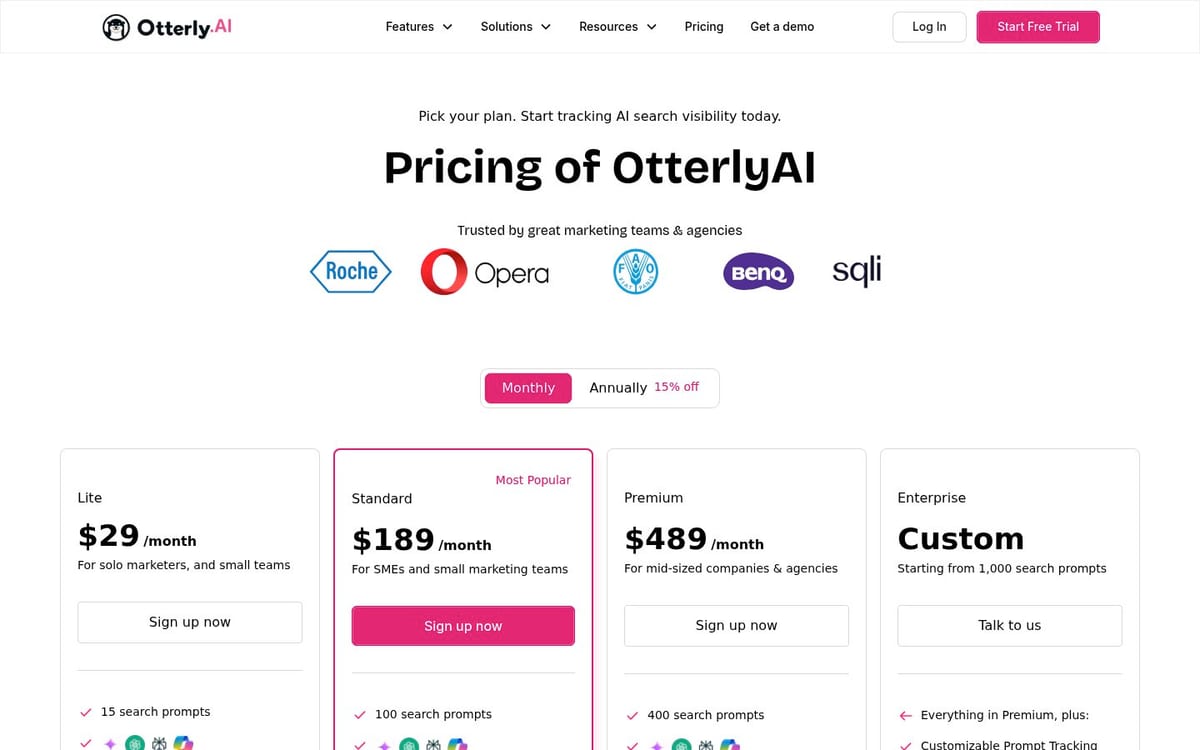
Best for: a founder, freelancer, or small marketing team that needs basic prompt and citation monitoring.
Limitation: the base plan does not give you a native Next.js integration, and it tracks only a small prompt set. It can tell you what is happening in selected answers, but it is not a substitute for request-level crawler coverage across a large site.
Otterly becomes more relevant for developers on higher tiers because the pricing page lists API access, MCP access, and Agent Analytics on Standard and Premium. Check the current plan page before buying because engine add-ons and annual pricing change the real cost.
5. Profound: best for enterprise analytics and agent workflows
Profound is aimed at larger marketing organizations that need detailed Answer Engine Insights, prompt-volume research, citation analysis, shopping visibility, and AI agents. Its public product pages also describe Agent Analytics and integrations with infrastructure platforms such as AWS, Cloudflare, Vercel, and Netlify.
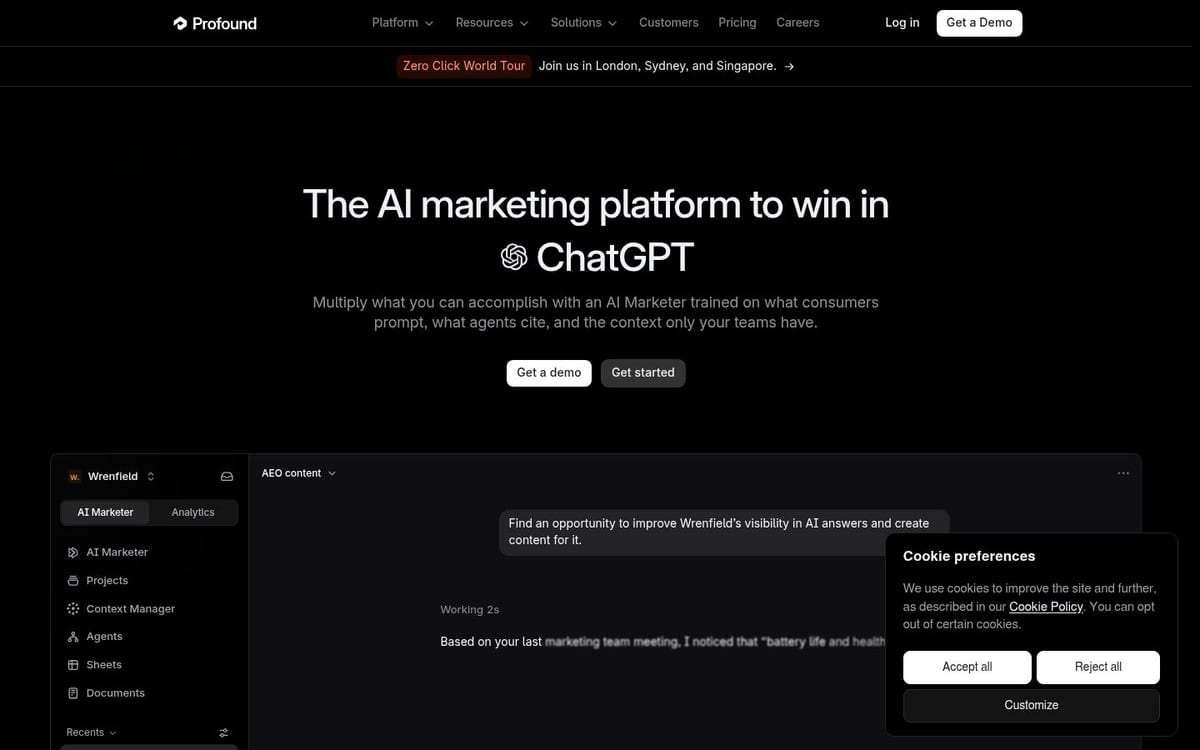
Best for: enterprise teams with analysts, marketing engineers, and governance requirements around AI search work.
Limitation: the public site directs buyers toward a demo rather than publishing a simple self-serve price. The breadth can also be more than a small Next.js team needs if its immediate problem is just confirming that crawlers can read server-rendered pages.
Profound makes sense when AI visibility has become a cross-functional operating process. It is less compelling as the first diagnostic tool for a developer trying to answer why one route is invisible.
What should a Next.js AI visibility stack measure?
A useful stack measures four layers, not one visibility score.
1. The response layer
Check what an unauthenticated request receives before JavaScript runs. For important pages, inspect status codes, canonical URLs, title and description tags, visible text, structured data, and internal links in the returned HTML.
Next.js Server Components help here because layouts and pages render on the server by default, while Client Components add interactivity where needed. That does not guarantee that every route is crawlable, but it gives you a solid server-rendered starting point.
2. The crawler layer
Record which AI agents request which URLs. A request log or server-side integration should expose the user-agent, path, response status, and time. Browser analytics alone will miss crawlers that do not execute client scripts.
3. The answer layer
Track the real questions your buyers ask across the engines that matter to them. Look at mentions, citations, competitors, sentiment, and the exact sources used in the answer. A brand mention without a citation is not the same outcome as a cited page.
4. The action layer
Turn the gap into a next step: fix a blocked route, improve a page, add a missing comparison, update stale facts, or publish a new answer. This is where a dashboard versus decision workflow matters. A score without an owner and a fix is just another report.
How to test an AI visibility tool on a Next.js site
Run the same five checks in every vendor trial.
- Render test: request a public article with JavaScript disabled and inspect the HTML returned by the server.
- Route test: check App Router and Pages Router paths, dynamic routes, localized routes, and pagination if the site uses them.
- Bot test: send a controlled request with a documented crawler user-agent and confirm that the event appears in the tool or server logs.
- Citation test: track five buyer questions and inspect the cited URL, not just the brand score.
- Fix test: take one missing citation and see whether the platform produces a concrete content, technical, or distribution task.
The fifth test is the one generic tool lists skip. Next.js developers need to know what they can change in code, and marketers need to know what they can change in content. A platform that cannot bridge those two teams will leave the hard work in a spreadsheet.
If you are still deciding whether to track AI bots or AI answers first, start with the failure that blocks everything else: pages that do not return useful HTML. The broader AI SEO rankings guide covers the content and visibility side after the technical path is sound.
FAQ
What are the best AI tools for Next.js?
The best options are xSeek for server-side AI crawler tracking, Ahrefs Brand Radar for Ahrefs users, Semrush for SEO-led teams, Otterly.AI for low-cost monitoring, and Profound for enterprise analytics. The right choice depends on whether your main problem is request-level access, prompt visibility, or turning data into content work.
Can Next.js websites appear in ChatGPT and Perplexity?
Yes. A Next.js website can be cited when its public routes return useful, accessible content to crawlers and the content answers a question the model is trying to answer. Server rendering helps, but it does not guarantee citations; you still need to monitor crawl access, content quality, and cited sources.
Does Next.js middleware track AI crawlers?
Next.js middleware, or the newer proxy convention in current documentation, can run before a request reaches the route and can inspect request headers. A dedicated integration such as xSeek can use that boundary to record AI user-agents, URLs, and timestamps without adding tracking code to every page.
What is the difference between AI visibility and AI crawler tracking?
AI visibility measures how often a brand appears or is cited in AI answers. AI crawler tracking measures requests made to your site by agents, including which paths they visit. You need both because a page can be crawled and ignored, or cited in an answer even when your current log sample does not show a recent request.
Is Otterly.AI good for a Next.js website?
Otterly.AI is a reasonable low-cost choice for tracking a small set of prompts and citations. It is not a native Next.js request-boundary integration, so pair it with server logs or another crawler analytics method if you need to debug route access.
Should developers or marketers own AI visibility monitoring?
Both should own part of it. Developers should own response, route, crawler, and deployment checks, while marketers should own prompts, citations, competitors, and content priorities. The tool is most useful when both groups can see the same gap and its next action.
Related articles
- The Best AI Visibility Tools for Lovable Apps (2026)
- How to Improve Your AI SEO Rankings: 2026 Practical Guide
- 20 Best Tools to Track LLM Chat Visibility in 2026
- Dashboard vs. Decision: Which AI Visibility Tools Tell You What to Do
Sources & References
- Next.js Proxy documentation - request-boundary behavior and the middleware-to-proxy convention.
- Next.js Server and Client Components - server rendering and component boundaries.
- xSeek Next.js integration - middleware integration capabilities.
- Ahrefs Brand Radar - prompt tracking, AI Visibility Index, pricing, and platform coverage.
- Otterly.AI pricing - plan prices, prompt limits, and included features.
- Profound - Answer Engine Insights, Agent Analytics, and enterprise workflows.