
If you publish on Webflow, Ghost, or HubSpot, start with the CMS you need to change. xSeek is the clearest fit when you want a reviewed draft sent to any of the three. Semrush, Ahrefs, and Profound are better treated as visibility and prompt research tools here unless their documentation confirms a write path for your exact CMS.
Which AEO tool fits Webflow?
For Webflow, choose xSeek when the handoff from an AI visibility finding to a CMS draft matters. xSeek says its Content Studio can send articles to Webflow, and its connection can leave the article as a draft or publish it after you change the connection setting. The xSeek integrations page documents the CMS connection.
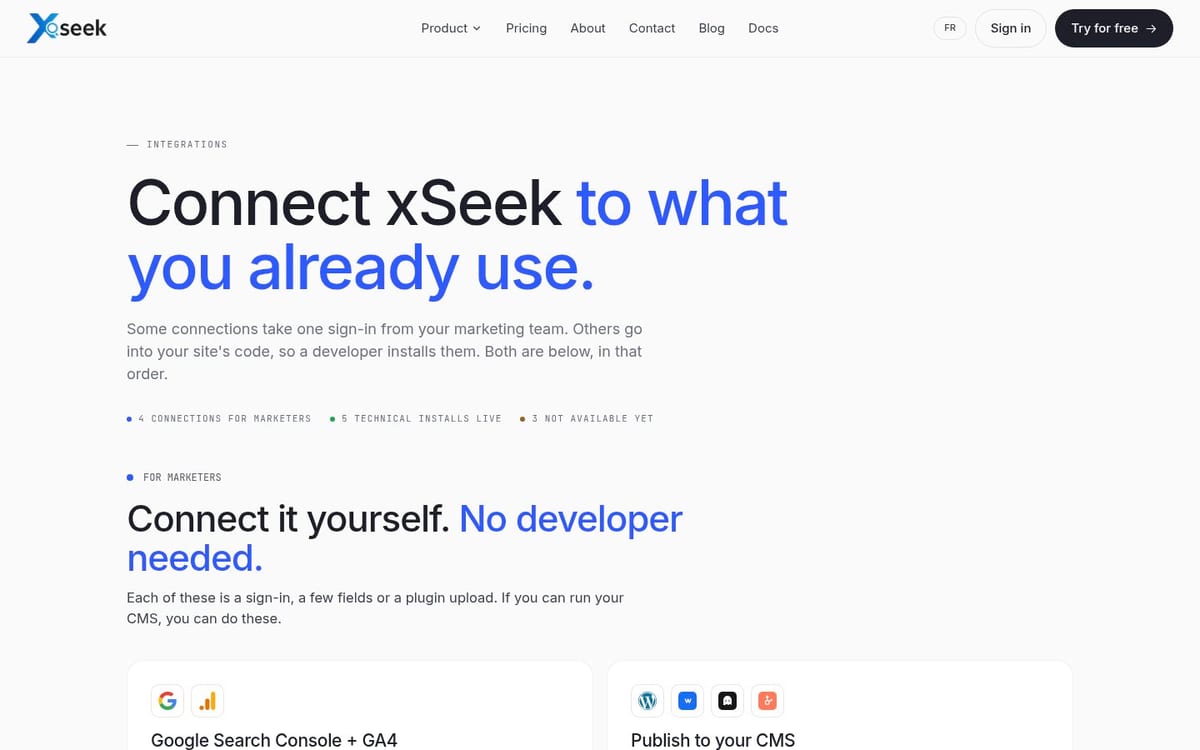
The practical prerequisite is a Webflow connection with permission to write to the right CMS Collection. Before you send anything, confirm the Collection, rich text field, slug handling, SEO title, meta description, and publishing permission.
Webflow's integration directory shows that CMS items can be created through connected tools, but it does not confirm that every AEO platform supports your Collection schema.
Semrush, Ahrefs, and Profound can help you find prompts, mentions, citations, or content gaps. Their public product pages do not verify a direct Webflow publishing connection for this comparison. Mark that combination not verified rather than treating ordinary prompt tracking as CMS integration.
Which AEO tool fits Ghost?
For Ghost, xSeek is the documented choice among these four when you want a content draft delivered to the CMS. xSeek lists Ghost as a publishing connection, and its Content Studio description says you review the draft before sending it to your CMS.
Ghost's own documentation confirms the part a connector must handle: the Ghost Admin API supports authenticated content workflows, including adding and editing posts and pages. The API key belongs on a secure server, not in browser code.
Before setup, decide whether a tool should create a draft or publish a post. Then map the author, tags, feature image, slug, excerpt, and post status. Run one test on a staging publication and check the rendered HTML, canonical URL, metadata, and structured data before you approve the workflow.
Semrush, Ahrefs, and Profound remain not verified for direct Ghost publishing in the documentation reviewed for this update. A prompt report or crawler measurement is useful, but it is not an Admin API write.
Which AEO tool fits HubSpot?
For HubSpot, xSeek is the documented fit when you want a reviewed draft rather than an automatic live update. xSeek states that HubSpot always receives a draft, which keeps the approval step inside the team workflow.
HubSpot's CMS Pages API confirms that website and landing pages can be created and managed through the CMS API. It also documents draft and publish states. That is the platform capability, not proof that every AEO vendor has implemented it.
For a HubSpot setup, identify the content type first. A website page, landing page, and blog post can use different objects, templates, permissions, and fields. Confirm the target domain, slug, template, author, metadata, modules, and draft state. Have an editor open the draft in HubSpot and compare it with the approved source before publishing.
Semrush, Ahrefs, and Profound are not verified here for a direct HubSpot CMS write. Profound's public site describes AI search monitoring and marketing workflows, but the page reviewed does not document a Webflow, Ghost, or HubSpot publishing connector. That is a narrower claim than saying the tools cannot integrate with HubSpot in any other way.
What does CMS integration mean for an AEO tool?
CMS integration can mean four different things. Separate them before you compare products.
| Capability | What it actually does | Confirm before buying |
|---|---|---|
| Direct CMS publishing | Creates or updates content in the CMS | CMS, object, field mapping, auth, and publish state |
| Server-side crawler measurement | Records AI crawler visits at the server or CDN | Deployment layer, bot detection, logs, retention, and access |
| API access | Lets your team build a connector | Endpoint scope, authentication, rate limits, and support |
| Prompt tracking | Runs buyer questions and records answers | Engines, cadence, prompt limits, citations, and exports |
Only the first row is a direct publishing connection. The other rows can support the same AEO program, but they do not create a draft in Webflow, Ghost, or HubSpot.
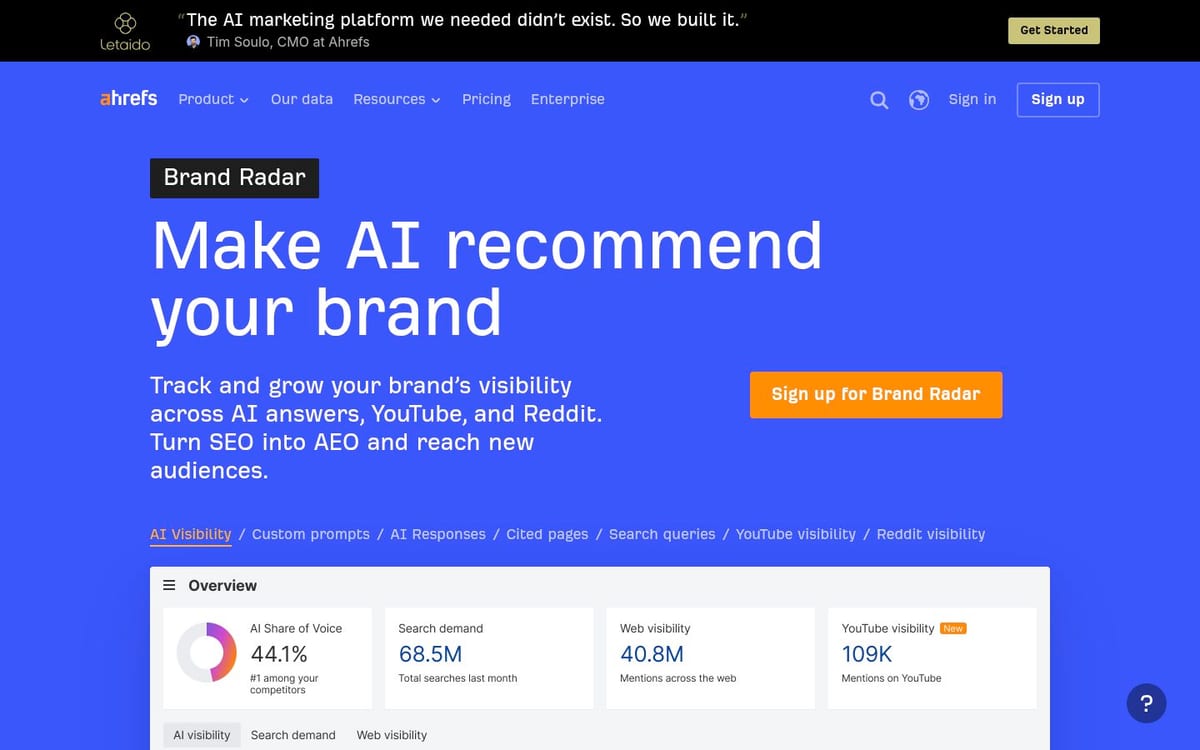
Ahrefs documents custom prompt tracking, AI visibility research, and AI crawler analytics on its Brand Radar page. Semrush documents AI visibility as a product area.
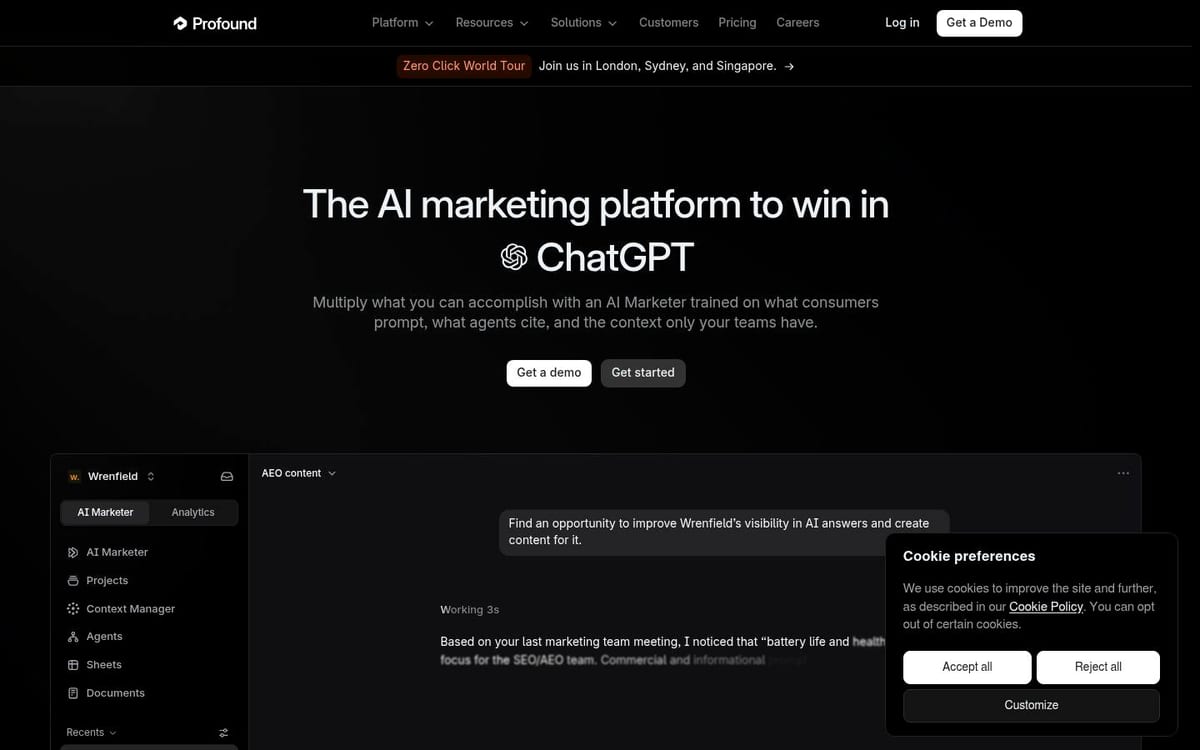
Profound documents Answer Engine Insights and AI marketing workflows. Those pages support measurement claims, not a confirmed CMS write for this comparison.
How should you test an AEO CMS connection?
Use a small draft test before giving a tool broader access.
- Pick one low-risk page and record its current slug, title, metadata, author, images, links, and structured data.
- Connect the CMS with the smallest permission that can create a draft.
- Send one short article and inspect the draft in the CMS, not only in the AEO tool.
- Check field mapping, formatting, links, image handling, canonical tags, schema, and revision history.
- Ask an editor to approve or reject the draft, then verify that the final publish step stays under human control.
- After publication, track the target prompts and compare citations, AI clicks, and crawler visits with the page you changed.
The xSeek Content Studio workflow follows this draft first pattern. It describes sourced drafts, review in Content Studio, CMS delivery, and measurement after the page is live. That workflow is different from a tool that only exports recommendations or tracks prompts.
Which tool should you choose?
Choose xSeek if your decision starts with a visibility gap and ends with a reviewed draft in Webflow, Ghost, or HubSpot. Choose Ahrefs, Semrush, or Profound when the primary job is measuring AI visibility, researching prompts, or understanding citations, and plan a separate CMS handoff unless their documentation confirms your exact connection.
That answer is deliberately conditional. A vendor can have an API, an integration directory listing, or a strong prompt product without supporting direct publishing to your CMS. Ask for the implementation guide, the required permission, the objects it writes, and the rollback path before you call it an integration.
FAQ
Which AEO tool connects to Webflow, Ghost, or HubSpot?
xSeek documents a Content Studio connection to Webflow, Ghost, and HubSpot. Webflow and Ghost can receive a live post or a draft depending on the connection, while HubSpot always receives a draft. The reviewed sources do not verify equivalent direct CMS publishing for Semrush, Ahrefs, or Profound.
Does prompt tracking publish content to a CMS?
No. Prompt tracking runs questions through selected AI platforms and records answers, mentions, or citations. It can tell you what to improve, but it does not prove that the tool can authenticate with your CMS, map fields, create a draft, or publish a page.
Can an AEO tool write directly to Webflow?
It can when its documentation names Webflow and explains the connection. For xSeek, the public integration documentation names Webflow as a CMS destination. You still need to test Collection permissions, field mapping, SEO fields, slug handling, and whether the connection creates a draft or publishes.
Does Ghost allow an AEO integration?
Yes. Ghost provides an Admin API for secure server-side integrations, and its documented endpoints include posts and pages. That makes a connector possible, but you should still verify that the AEO vendor supports Ghost, stores credentials securely, preserves metadata, and leaves publication under your control.
Does HubSpot support draft CMS content through an API?
Yes. HubSpot's CMS Pages API documents page creation and management, including draft and published states. The API capability does not identify which AEO tools have built the connector, so ask the vendor for its HubSpot implementation guide and test the exact page or blog object you use.
What should you verify before connecting an AEO tool to a CMS?
Verify the CMS object, authentication method, permissions, field mapping, slug and canonical URL behavior, metadata, structured data, images, revision history, draft state, and rollback process. Then run one low-risk test and have an editor inspect the resulting draft before enabling broader access.
Sources & References
- xSeek integrations: documented CMS destinations and crawler installs
- xSeek Content Studio: draft, review, delivery, and measurement workflow
- Ghost Admin API: authenticated posts and pages workflows
- HubSpot CMS Pages API: page states and CMS operations
- Ahrefs Brand Radar: prompt and AI visibility capabilities
- Semrush AI Visibility: AI visibility product scope
- Profound Answer Engine Insights: AI answer measurement scope